
Summary
- The problem with multiple projects is rarely capacity. It is that you cannot see them all at the same time, so the loudest one gets your attention instead of the most important one.
- Keep one project per outcome, never one giant list, and give every project the same four sections so switching between them costs you nothing.
- Do a ten minute review once a week across all projects, and plan your day across projects rather than inside one.
- PomoTodo lets you run as many projects as you need for free, each with its own sections and views, with a Pomodoro timer in the same place.
Juggling is a bad metaphor for this, but it is the one everyone uses, so let us fix it.
A juggler is not tracking three balls. They are tracking one, the one in the air right now, and trusting a rhythm to handle the rest. That is exactly the skill you need when running several projects, and exactly the one that breaks when everything lives in your head.
Because the real failure mode of managing multiple projects at once is not being too busy. It is being unable to see them all in one glance, so you end up working on whichever project shouted at you most recently. The client who emailed. The launch someone mentioned in a meeting. Meanwhile the thing that is genuinely three days from being late sits quietly in a notes app, unmentioned.
This guide is a practical system for running several projects side by side without dropping any of them, and without spending your mornings maintaining a system instead of doing the work.
Why Multiple Projects Break Down
Before the fixes, the diagnosis. Multiple projects usually fail for one of four reasons, and knowing which one you have saves you from applying the wrong solution.
You cannot see them all at once
Each project is in a different place. One is a shared doc, one is in email threads, one is in your head. There is no single surface where you can look at all of them, so you cannot compare urgency across them. You are making a scheduling decision without the schedule.
Everything is in one enormous list
The opposite mistake. Every task from every project is in one flat list of ninety items, sorted by nothing in particular. It is technically all visible and completely unreadable. You cannot tell whether the client site is nearly done because its tasks are scattered between grocery reminders and a bug fix.
Switching costs are too high
Every project is set up differently, so moving from one to another means re learning where things are. Different column names, different conventions, different tools. Ten context switches a day at thirty seconds each is not the real cost. The real cost is that you start avoiding the switch.
Nothing tells you what is late
Your system is passive. It stores information but never surfaces it. You only find out something is overdue when a person tells you, which is the most expensive possible way to learn it.
The System: Six Things That Actually Work
None of this is clever. All of it is the stuff that survives contact with a busy week.
1. One project per outcome, not per client or per area
The temptation is to make a project called "Client X" that lives forever. Resist it. A project should have an end, because progress only means something when there is a finish line.
Better: "Client X website rebuild" and later "Client X Q4 campaign." Each closes. Each shows a real percentage. A permanent project called "Marketing" will sit at 40 percent forever and tell you nothing.
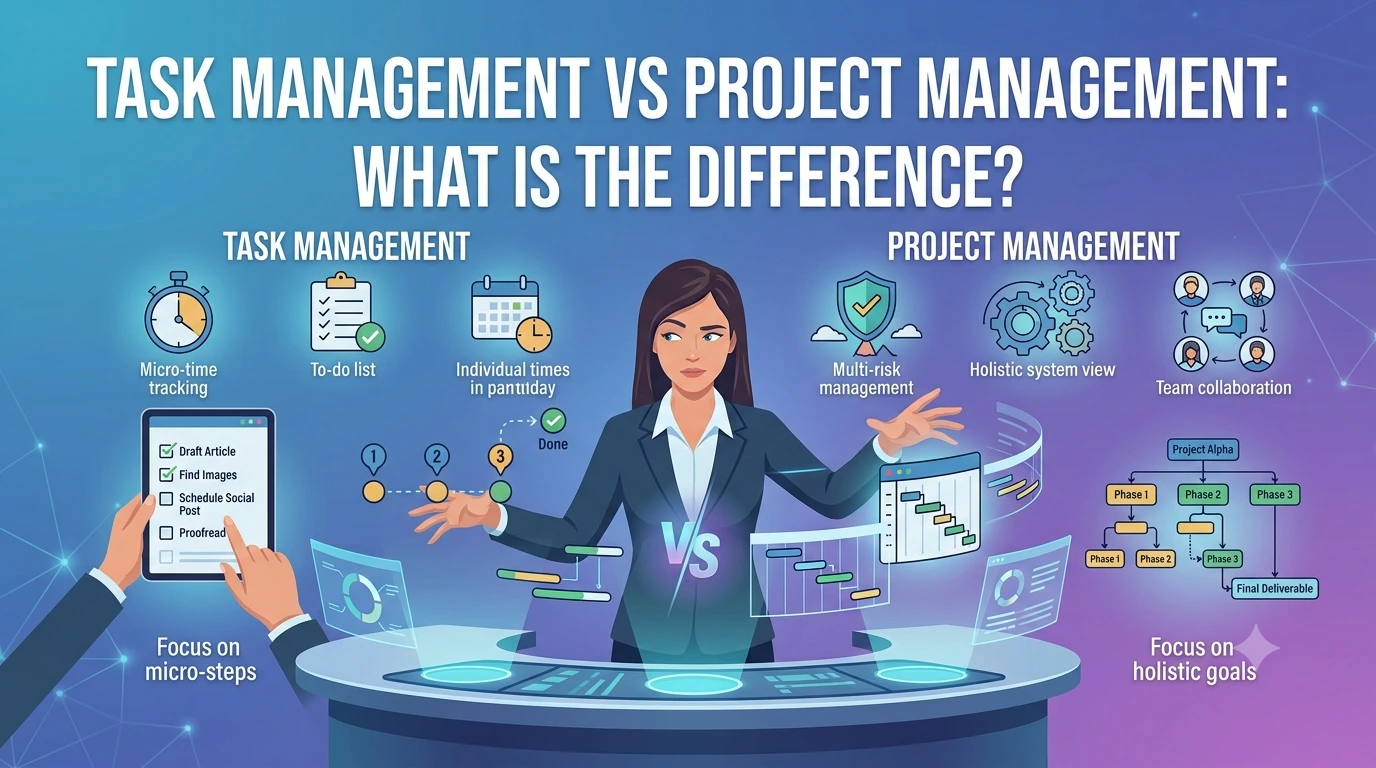
If you genuinely have ongoing work with no end, that is not a project. That is a task list, and it belongs in task management rather than a project board.
2. Give every project the same sections
This is the highest leverage change on this list and almost nobody does it.
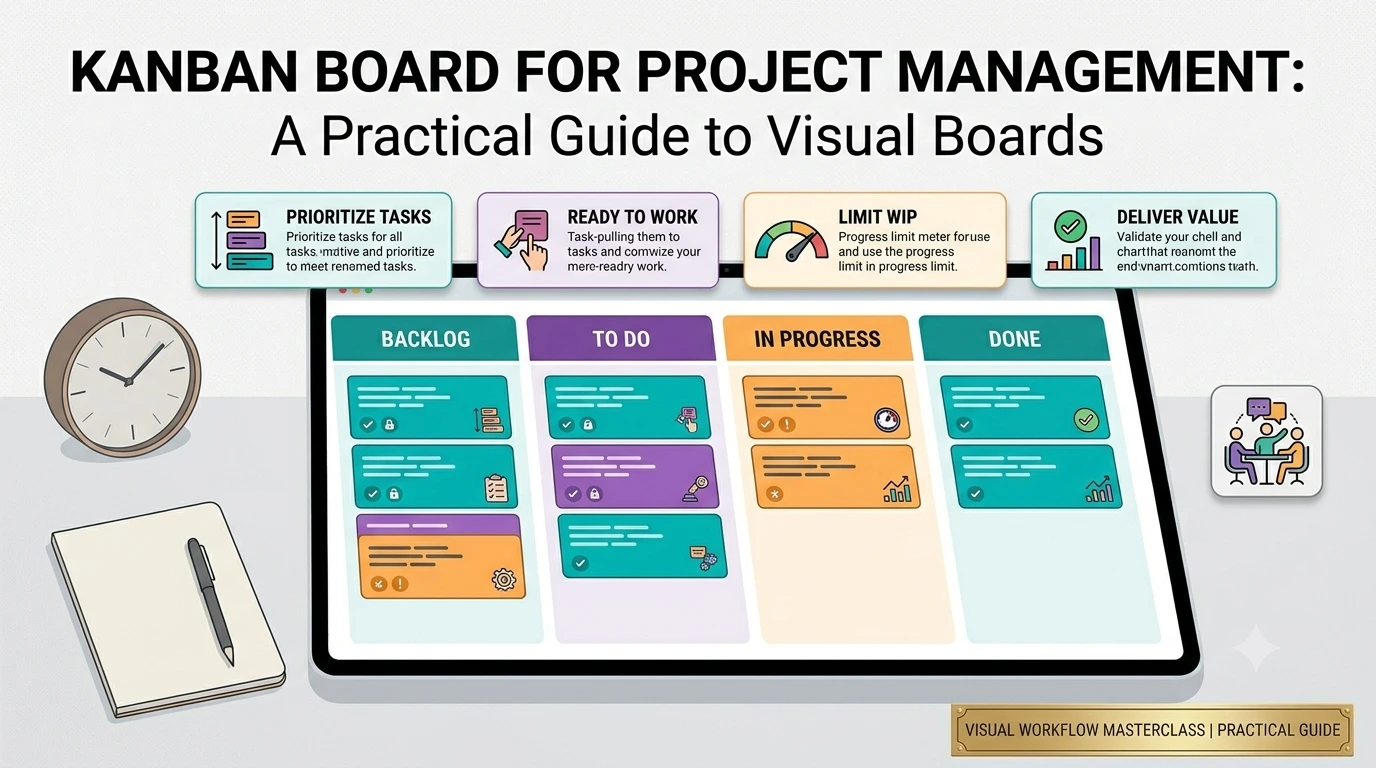
Use the same four sections in every single project. Something like Backlog, This week, In review, Done. Not because those names are magic, but because identical structure makes switching free. Your eye already knows where to look. You are not re reading the layout every time you open a different project.
In PomoTodo a new project starts with four sections already named, so you can rename them once to your preferred set and repeat that across every project you create.
3. Plan across projects, not inside them
Here is the habit that changes everything. Do not plan your day by opening project one, picking some tasks, then opening project two.
Instead, look at everything due, across all projects, and choose from that. Your day is a single pool of hours. It does not care which project a task belongs to.
Practically, this means using a view that cuts across your work rather than down into one project. Group by due date to pull this week to the top. Filter to overdue. The project dashboard in PomoTodo shows what is overdue and what is due this week before you go looking for it, which is the point.
4. Assign an owner even when the owner is you
On a solo or small project this feels silly. Do it anyway.
An unassigned task is a suggestion. An assigned task is a commitment, even to yourself. And when you group by assignee across several projects, unassigned work stands out as a column of things nobody has actually agreed to do. That column is usually where your late work is hiding.
5. Estimate, or you are just hoping
Fifteen tasks might be a comfortable week or an impossible one. Without sizes, a list gives you no way to tell, so you commit to weeks that were never going to work and then blame your discipline.
You do not need precision. Rough hours are fine. What matters is that the total exists. PomoTodo converts your hour estimates into pomodoros, so a week shows up as a number of focus sessions rather than a vague feeling. Twenty five focus sessions is roughly a real week for most people. If your plan says forty, the plan is wrong, not you.
6. Ten minutes, once a week, across everything
Not a meeting. Not a system overhaul. Ten minutes, same time every week.
Open each project and do only four things: clear what is done, reschedule what is genuinely late, move anything that has stalled, and pull next week's work into This week. That is it.
Bulk actions make this survivable. In PomoTodo you can select a run of tasks and reschedule, reprioritise or move them together, which turns the dreaded weekly review into a two minute job per project. And a two minute job is the only kind of weekly review that actually happens.
How to Decide What to Work On Right Now
Even with a good system, you still have to pick. Here is a decision order that works when three projects all feel urgent.
- Anything genuinely blocking someone else. Your unblocking work multiplies. Do it first even if it is small.
- Anything actually overdue with a real consequence. Not everything marked overdue is truly late. Be honest about which ones bite.
- The task that unlocks the most other tasks. One task that frees up five is worth more than five independent ones.
- The most important project's next step, regardless of how loud the others are.
- Everything else, by due date.
Notice what is not on the list: whatever you were most recently emailed about. That is the default order most people run on, and it is why the quietest project is always the one that goes wrong.
Pro tip: if you can only protect one hour a day from interruption, spend it on the project that is furthest from done rather than the one closest. Nearly finished projects have momentum and tend to finish themselves. Stalled ones do not.
Spotlight: Running Several Projects in PomoTodo
Most tools handle one project beautifully and several projects badly. You end up with separate boards that never talk to each other, and no way to see across them without opening each one.
PomoTodo's project management tool is built for the everyday version of this, and it is free with no card at signup.
- As many projects as you need. Each with its own sections, tasks and colour, and you switch between them from a menu at the top of the board. Most people keep one project per client, per goal, or per part of their life.
- The same project in three shapes. A list for planning a week top to bottom, a board for dragging cards between columns when work is moving, and a table for sorting every task by due date or priority before a review.
- Grouping that cuts across the noise. Group by due date to pull this week up, by assignee to see who is carrying too much, by priority when something has caught fire, or by status to find what is stuck. Grouping rearranges the view, never the data, so you can look at a project five ways in a few seconds and put it back.
- A header that tells you the truth. Each project shows real numbers, six of sixteen done, four in progress, one overdue, five due this week. You do not have to compute progress yourself.
- Bulk actions for the weekly clean up. Select a run of tasks and set status, priority or section in one move.
- Your view is remembered per project. Grouping, sorting and list or board choice are saved for each project, so opening project three does not mean reconfiguring it every time.
- Undo on delete. A mis click during a fast clean up does not cost you work.
Two things to be upfront about. Sharing and invites are not switched on yet, so this is a single player tool today, although it was designed for teams from the start with roles, assignees and comments on tasks already built in. And a dedicated kanban view with its own workflow rules is still on the way, separate from the board view that already exists.
If some of your work is really just a running to do list rather than a project with an end, keep that in task management and save projects for things that finish.
The Reason Most Multi Project Systems Still Fail
You can do everything above and still have a bad week, because there is a gap that no amount of organising closes.
Planning is not doing. You can arrange five projects beautifully at nine in the morning and have moved none of them by five in the afternoon. The system is not the work.
This is the specific reason PomoTodo puts a Pomodoro timer in the same place as the projects. Once you have decided which task from which project deserves the next hour, you start a focus session on it without leaving the app or opening a second one.
And the estimate translation keeps the whole thing grounded. When five projects want a combined sixty pomodoros this week and a week realistically holds twenty five, you are not looking at a motivation problem. You are looking at a scope problem, which is a much easier thing to fix. Something has to move, and it is far better to decide that on Monday than discover it on Friday.
FAQs
How many projects can one person realistically manage at once?
Most people can hold three to five active projects before quality drops, and that assumes only one or two are demanding at any given time. The limit is not really a number, it is how many things you can meaningfully move forward in a week. If a project has not moved in three weeks, it is not active, it is paused, and it is honest to mark it that way.
Should I keep all my projects in one list or separate them?
Separate them by outcome, but use a tool that lets you see across them. One giant list is unreadable, and completely isolated projects mean you cannot compare urgency. The middle ground is separate projects with a dashboard and grouping that cut across all of them.
How do I stop the loudest project from taking all my attention?
Plan across projects rather than inside them, and use a fixed decision order rather than reacting to whatever arrived most recently. Looking at everything due this week in one view, instead of opening projects one at a time, is the single biggest fix.
What is the best way to track progress on several projects?
Percentages beat task counts. "Six of sixteen done" tells you something. "Ten tasks left" does not, because you have no denominator. Pick a tool that computes progress per project so you can compare them at a glance rather than doing mental arithmetic.
Is there a free tool for managing multiple projects?
Yes. PomoTodo lets you create as many projects as you need for free, each with its own sections, list, board and table views, plus a built in Pomodoro timer. There is no credit card at signup and no trial countdown.
How often should I review my projects?
Once a week, for about ten minutes total, and keep it to four actions per project: clear what is done, reschedule what is late, move what has stalled, and pull next week's work forward. Reviews fail when they become reorganisation sessions. Keep it short enough that you will actually do it.
Put All of It Somewhere You Can See
Managing several projects is not a discipline problem. It is a visibility problem. When every project has the same shape, lives in the same place, and tells you what is due without being asked, the juggling gets a lot less dramatic.
Set up your projects in PomoTodo for free, give them all the same four sections, and let the dashboard tell you what is overdue instead of finding out from someone else.
Got work that never really finishes? That belongs in task management, not a project board.