
An invoice generator is a simple online tool that turns a short form into a finished invoice. You type who you are, who is paying and what you did, and it hands you a clean PDF to send. Our free invoice generator works exactly like that, with no signup and no watermark.
That's the whole idea. But not every invoice generator is built the same, and a few of them are quietly built to trap you. This guide explains what an invoice generator does, how it compares to a template or full accounting software, and what a good free one should give you.
The short version
- An invoice generator is a form on one side and a live invoice on the other. When it looks right, you download the PDF.
- It beats a Word template because the math, the dates and the layout are done for you.
- A good free one has no signup, no watermark, no limit on invoices, and lets you add your logo, tax and payment terms.
- If you bill the same kind of work every time, start from a template made for your job.
What is an invoice generator?
Think of an invoice generator as a smart form. A plain template is a blank page you have to arrange yourself. A generator already knows where everything goes.
You fill in boxes like "Your details", "Bill to" and "Line items". The tool adds up the amounts, works out the tax, sets the due date from your payment terms and lays it all out neatly. You never touch a calculator or fight with a table that refuses to line up.
Most invoice generators run in your web browser, so there's nothing to install. Open the page, fill it in, download the PDF, done.
How an invoice generator works
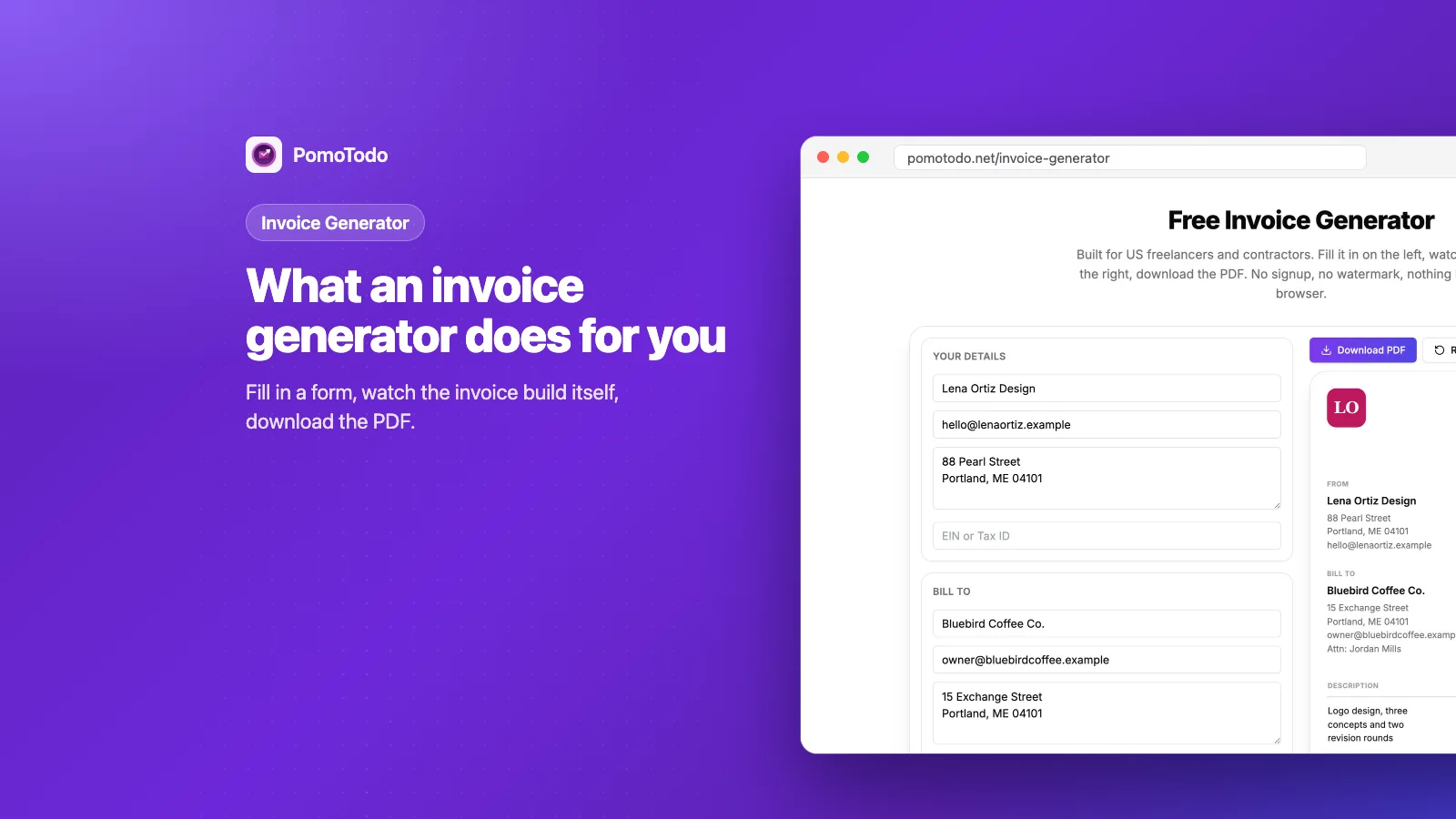
Here's what the PomoTodo invoice generator looks like with a real invoice filled in.
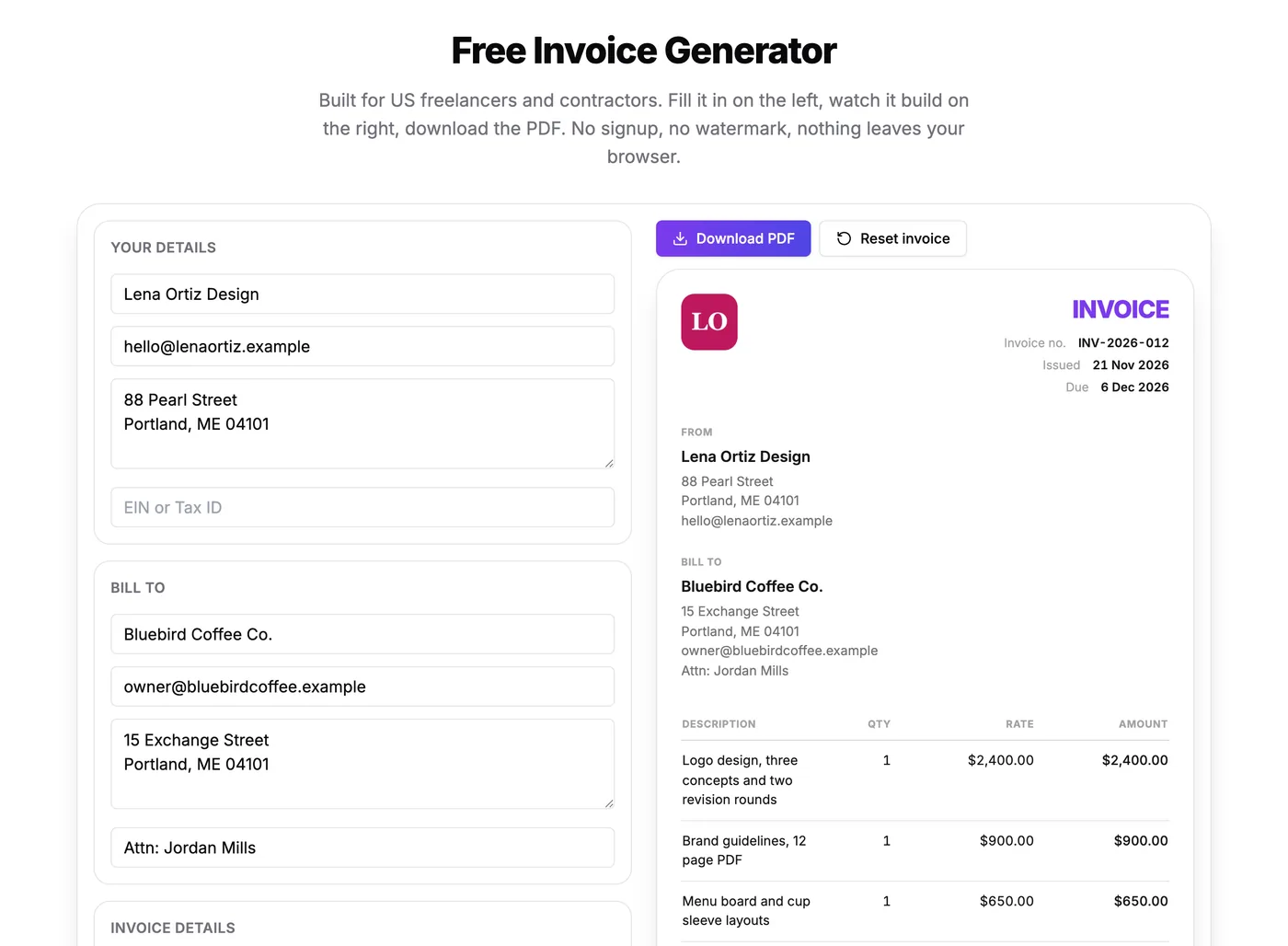
Type on the left, watch the invoice build itself on the right.
It works in three simple parts:
- The form. Your details, your client's details, the invoice number, the dates, the line items, tax, discount and notes.
- The live preview. Every letter you type shows up on the invoice right away, so you see exactly what your client will see.
- The download. One button turns the preview into a PDF you can email, print or upload anywhere.
If you want a full walkthrough of filling in each box, our guide on how to make an invoice covers it step by step. This post is more about picking the right tool in the first place.
Invoice generator vs invoice template vs accounting software
There are three common ways to make an invoice. Each one fits a different kind of person.
An invoice template
A template is a document (Word, Google Docs, Excel) with the layout already designed. You copy it and type over the old details.
It's fine for one invoice. The trouble starts on the fifth. Old numbers sneak into new invoices, the total formula breaks when you add a row, and the due date is whatever you remembered to change.
An invoice generator
A generator keeps the nice parts of a template (a ready layout) and fixes the annoying parts. The math, the dates and the formatting are automatic, and the PDF always comes out the same.
Better still, use a generator that starts from a template made for your job. Our invoice templates by profession do exactly that. Pick yours and the generator opens already filled with the line items, payment terms and notes that job usually uses.
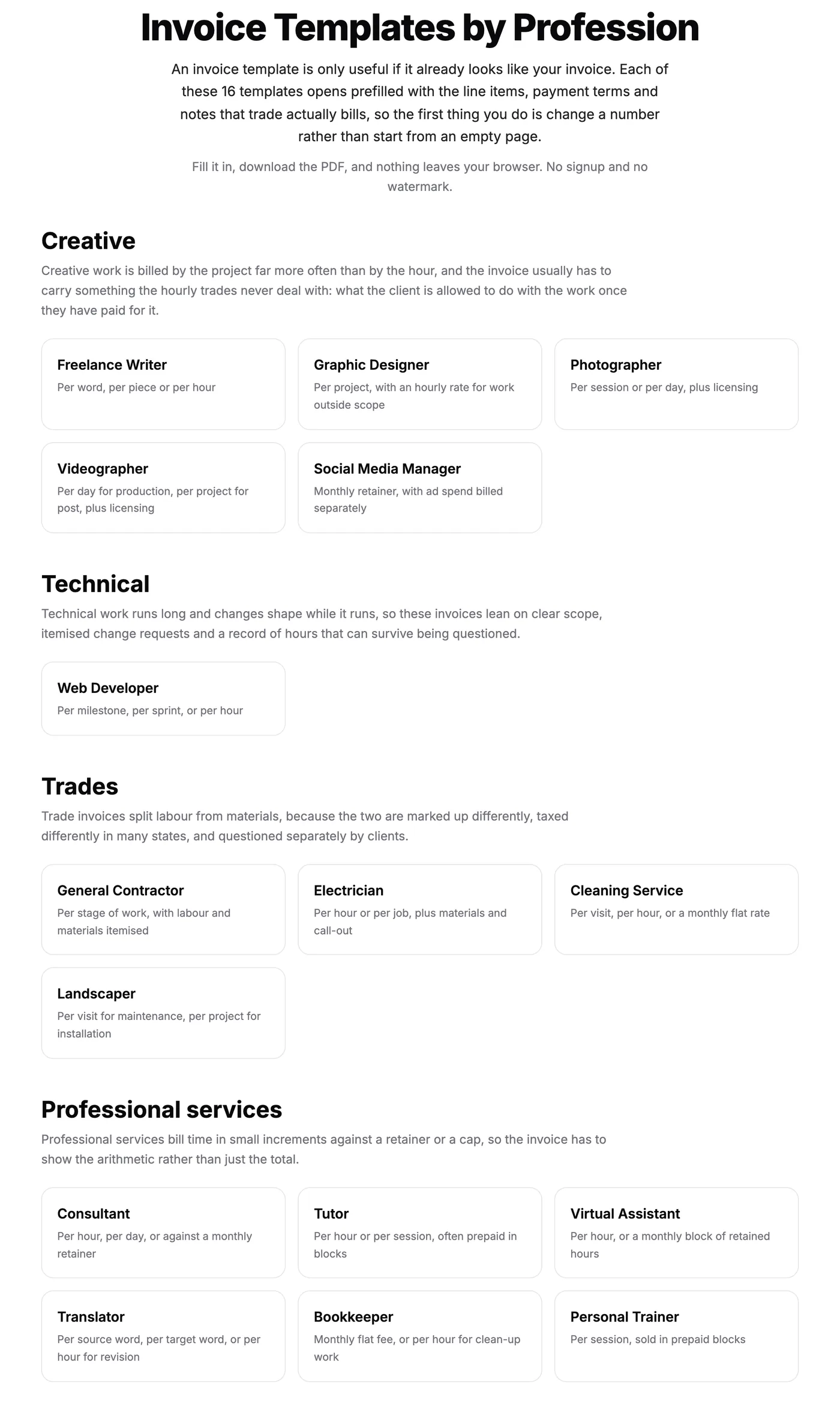
Sixteen templates in four groups. Each one opens the generator already filled in for that job.
Accounting software
Accounting software does invoices plus everything else: bank feeds, expenses, reports and taxes. It's great once you have an accountant, staff or lots of customers.
It's also a monthly bill and a learning curve. If you send a handful of invoices a month, a free generator is usually all you need. You can always move up later.
What a good free invoice generator should include
Here's a simple checklist. If a tool misses more than one or two of these, keep looking.
- No signup to make an invoice. You should be able to try it right away.
- No watermark on the PDF. A "made with" stamp on your invoice looks unprofessional.
- No limit on invoices. "Free for 3 invoices" isn't free, it's a trial.
- Your logo. It should sit on both the preview and the PDF.
- Payment terms. Due on receipt, Net 15, Net 30 and so on, with the due date worked out for you.
- Tax and discounts. A tax rate you set yourself, and a discount by percent or a fixed amount.
- More than one currency. For the day you bill a client in another country.
- Privacy. Your client's details are private. The PomoTodo generator keeps your invoice in your own browser and never sends it to a server.
Things to watch out for
Free invoice tools are not all honest about being free. A few common catches:
- The invoice is free to make but costs money to download.
- The PDF has the tool's branding in the footer unless you upgrade.
- You must create an account first, and then the emails start.
- Your client's details are saved on someone else's server with no clear reason.
None of those are deal breakers on their own. But you deserve to know before you spend ten minutes filling in a form.
Invoice generators for different kinds of work
The basics are the same for everyone, but the details change a lot depending on what you do. We wrote a guide for three of the most common cases:
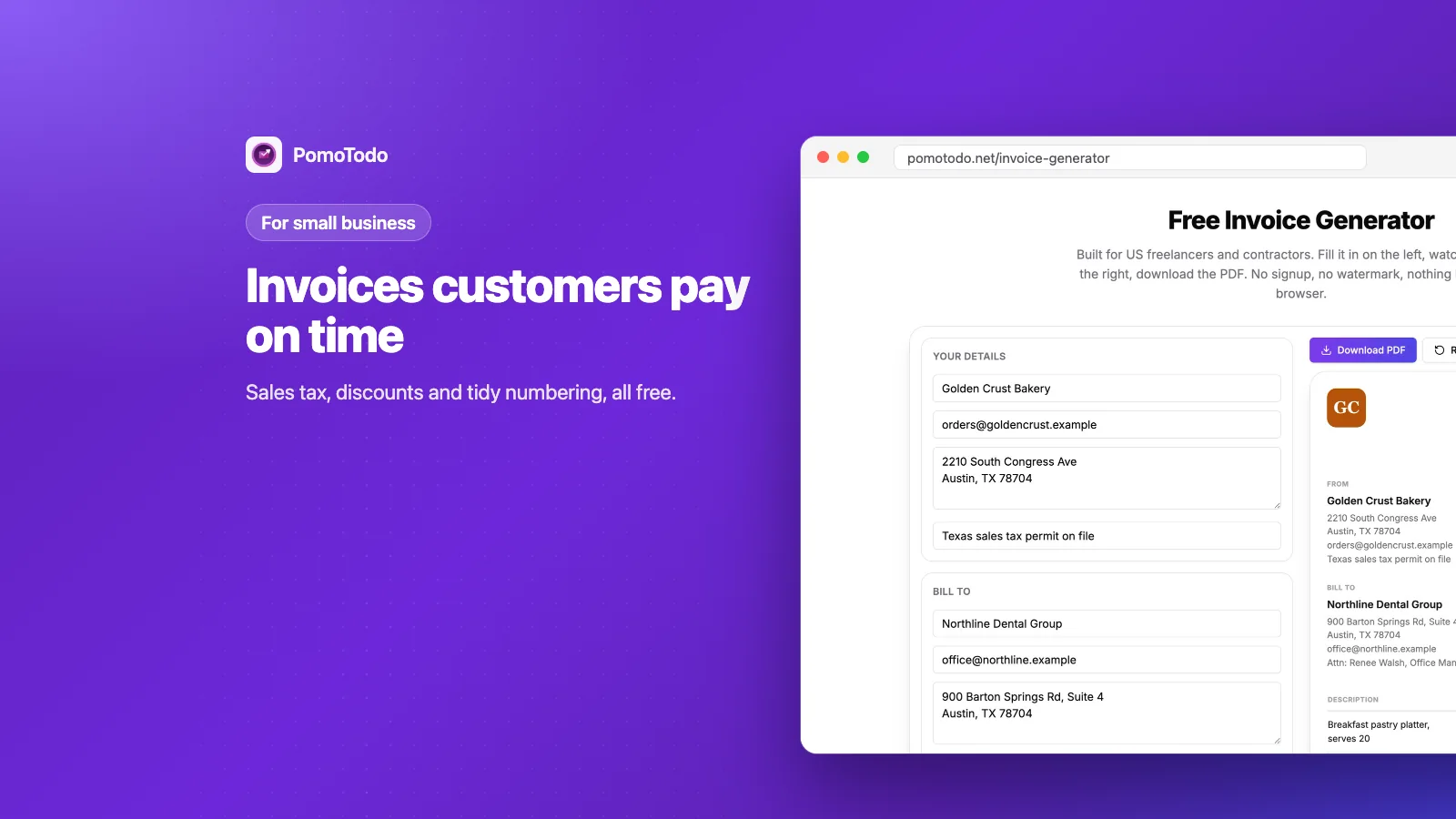
- A small shop, bakery or service business? Read invoice generator for small business.
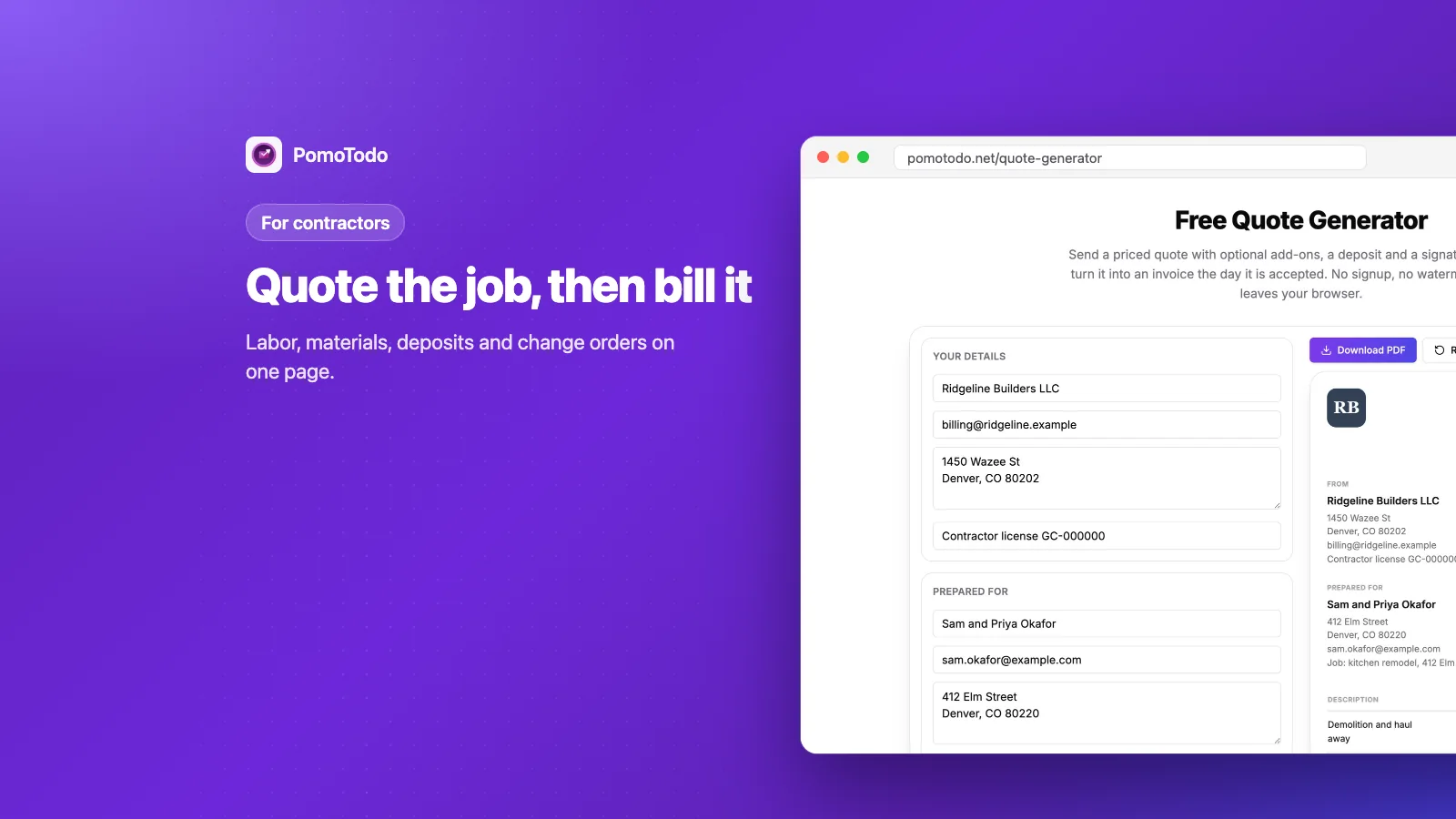
- Building, fixing or installing things? Read invoice generator for contractors.
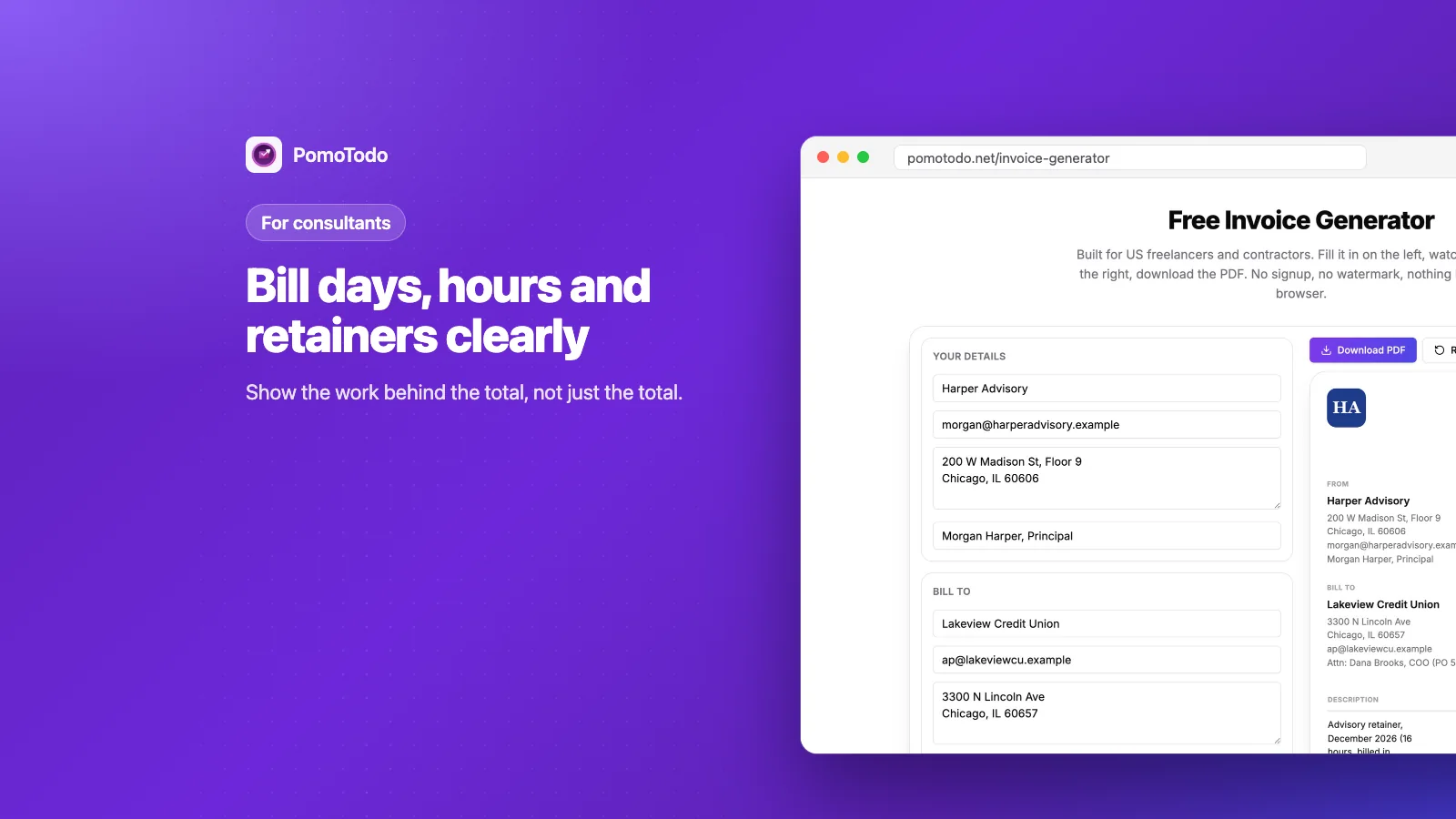
- Selling advice by the hour, the day or on a retainer? Read invoice generator for consultants.
Sometimes the quote comes first
Bigger jobs often start with a price, not a bill. A quote tells the client what the work will cost before you begin. Our quote generator makes one with optional extras and a deposit, and when the client says yes, one click turns it into an invoice with the same client, lines and rates.
What you get at the end
Whatever generator you use, the result should be one clean page your client can pay without asking a single question.
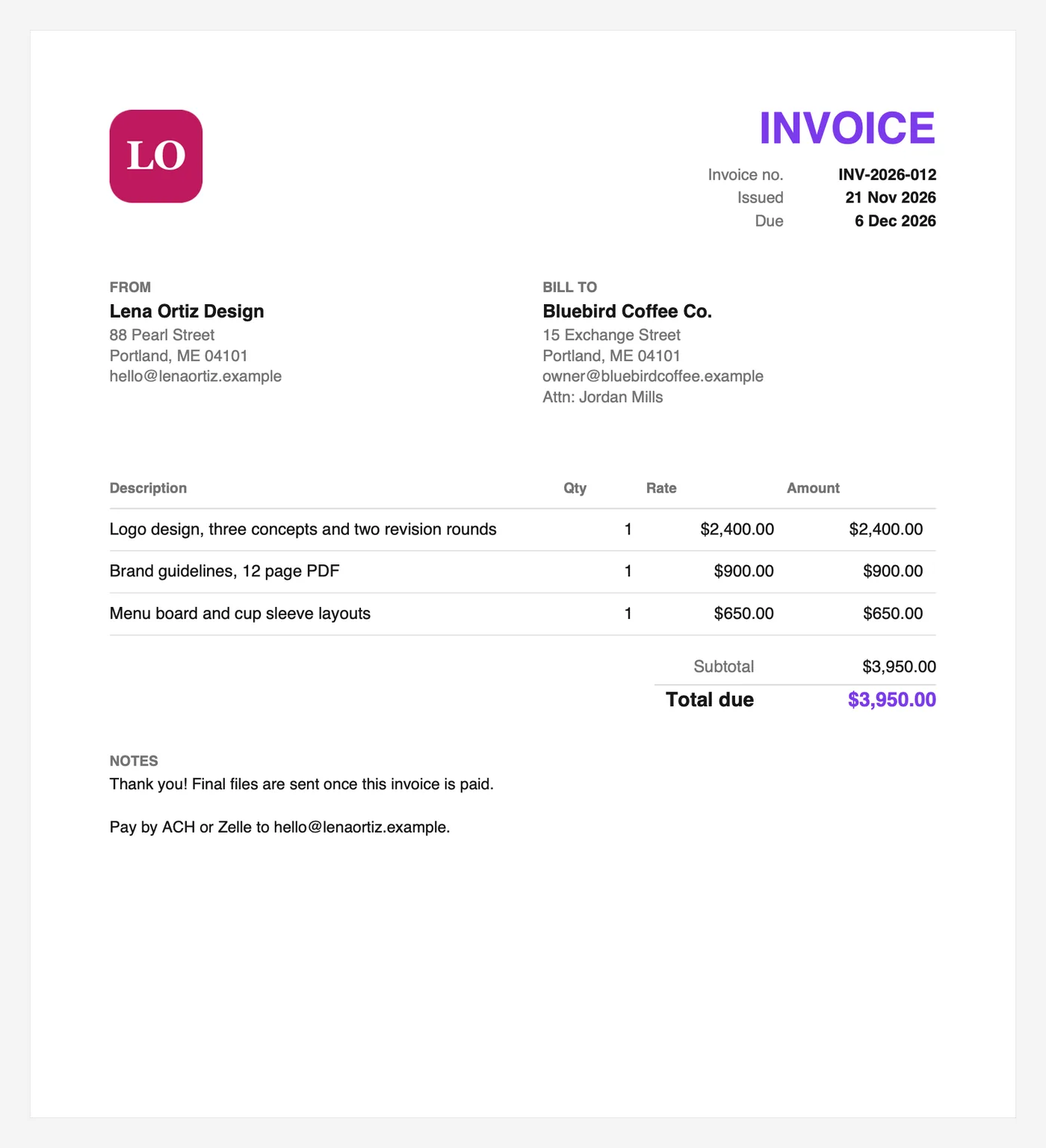
Logo, invoice number, dates, who is billing whom, what was done, the total and how to pay. Nothing more, nothing less.
When you outgrow a free generator
Most people move on for one of two reasons.
The first is time. If you bill by the hour, writing invoices is easy but remembering the hours is hard. That's where a tracker helps. Inside the PomoTodo dashboard your focus sessions become a timesheet, and the invoice generator for freelancers who track time sits right next to it.
The second is bookkeeping. Once you have staff, payroll or a lot of customers, real accounting software starts to pay for itself.
FAQs
Is an invoice generator free?
Many are, but check for limits, watermarks and paid downloads. The PomoTodo invoice generator is free with no signup, no watermark and no cap on how many invoices you make.
Is it safe to use an online invoice generator?
It depends on where your data goes. Look for a tool that keeps your invoice in your own browser instead of on a server. The PomoTodo generator saves your draft in your browser only and never uploads it.
What's the difference between an invoice and a receipt?
An invoice asks for payment. A receipt proves a payment was made. You send the invoice first, and once the client pays, a receipt (or a paid invoice) closes the loop.
Do I need an account to make an invoice?
Not with PomoTodo. Open the generator, fill it in and download the PDF. A free account adds the PomoTodo dashboard, where the same invoice generator sits next to your tracked hours and timesheet.
Can I use an invoice generator for a quote?
Use a quote generator for that, because a quote has an expiry date instead of a due date and often a signature line. When the quote is accepted, you can turn it into an invoice in one click.
Try it on your next invoice
The best way to judge an invoice generator is to make one real invoice with it. Open the PomoTodo invoice generator, fill in a client you're about to bill, and see how long it takes. For most invoices, it's just a few minutes.